dev-ops-challenges
Configure Job-Level Authorization Strategy in Jenkins
Technical Overview
Enterprise CI/CD infrastructure requires fine-grained Role-Based Access Control (RBAC) to ensure that developers, operators, and automated systems only possess access rights necessary for their responsibilities (Principle of Least Privilege).
While global security strategies control system-wide features, Jenkins supports item-level entitlement management via the Matrix Authorization Strategy Plugin. This allows administrators to override or extend global ACLs on individual jobs.
This challenge configures per-job security for an existing job named Packages:
- Global Authorization Enablement: Setting the global strategy to Project-based Matrix Authorization Strategy.
- Inheritance Strategy: Selecting Inherit permissions from parent ACL so top-level security controls remain active while applying custom per-job rules.
- Targeted User Entitlements:
- User
sam: GrantedJob/Build,Job/Configure, andJob/Readpermissions. - User
rohan: GrantedJob/Build,Job/Cancel,Job/Configure,Job/Read,Run/Update, andSCM/Tagpermissions.
- User
graph TD
    subgraph GlobalSecurity ["Jenkins Global Security Controller"]
        GlobalMatrix["Authorization Strategy:<br/>Project-based Matrix Authorization"]
        AuthGroup["Authenticated Users: Overall/Read"]
    end

    subgraph JobACL ["Packages Job Security Settings"]
        EnableJobSec["Enable project-based security"]
        InheritStrategy["Inheritance Strategy:<br/>Inherit permissions from parent ACL"]
        SamACL["User: sam<br/>- Job/Build<br/>- Job/Configure<br/>- Job/Read"]
        RohanACL["User: rohan<br/>- Job/Build<br/>- Job/Cancel<br/>- Job/Configure<br/>- Job/Read<br/>- Run/Update<br/>- SCM/Tag"]
    end

    GlobalMatrix --> EnableJobSec
    AuthGroup --> InheritStrategy
    InheritStrategy --> SamACL
    InheritStrategy --> RohanACL
Authorization & Security Deep Dive
1. Project-Based Matrix Authorization
Unlike basic security models where all authenticated users share global permissions, the Project-based Matrix Authorization Strategy exposes an Access Control List (ACL) configuration table on individual job configuration pages.
2. Inheritance Strategies
When enabling job-level security, Jenkins provides three inheritance strategies:
- Inherit permissions from parent ACL (Recommended): Merges global/folder-level read permissions with the explicit job-level ACL entries.
- Do not inherit permissions: Completely isolates the job, ignoring parent permissions except for explicit Administer overrides.
- Block permissions inherited from parent ACL: Explicitly revokes specific inherited permissions.
3. Permission Scopes Breakdown
Job/Build: Allows triggering build runs.Job/Cancel: Allows stopping active or queued build runs.Job/Configure: Allows modifying job configuration parameters and build steps.Job/Read: Allows viewing the job and its build history.Run/Update: Allows editing build descriptions and build display names.SCM/Tag: Allows creating SCM tags from successful build runs.
Infrastructure & Configuration Requirements
- Jenkins Controller Access: Web Browser (HTTP) on port
8080 - Admin Credentials:
admin/Adm!n321 - Target Job Name:
Packages - Required Plugin:
Matrix Authorization Strategy
User Accounts & Permissions Matrix
| User Account | Password | Scope | Granted Permissions |
|---|---|---|---|
sam |
sam@pass12345 |
Job | Build, Configure, Read |
rohan |
rohan@pass12345 |
Job, Run, SCM | Job/Build, Job/Cancel, Job/Configure, Job/Read, Run/Update, SCM/Tag |
Step-by-Step Walkthrough
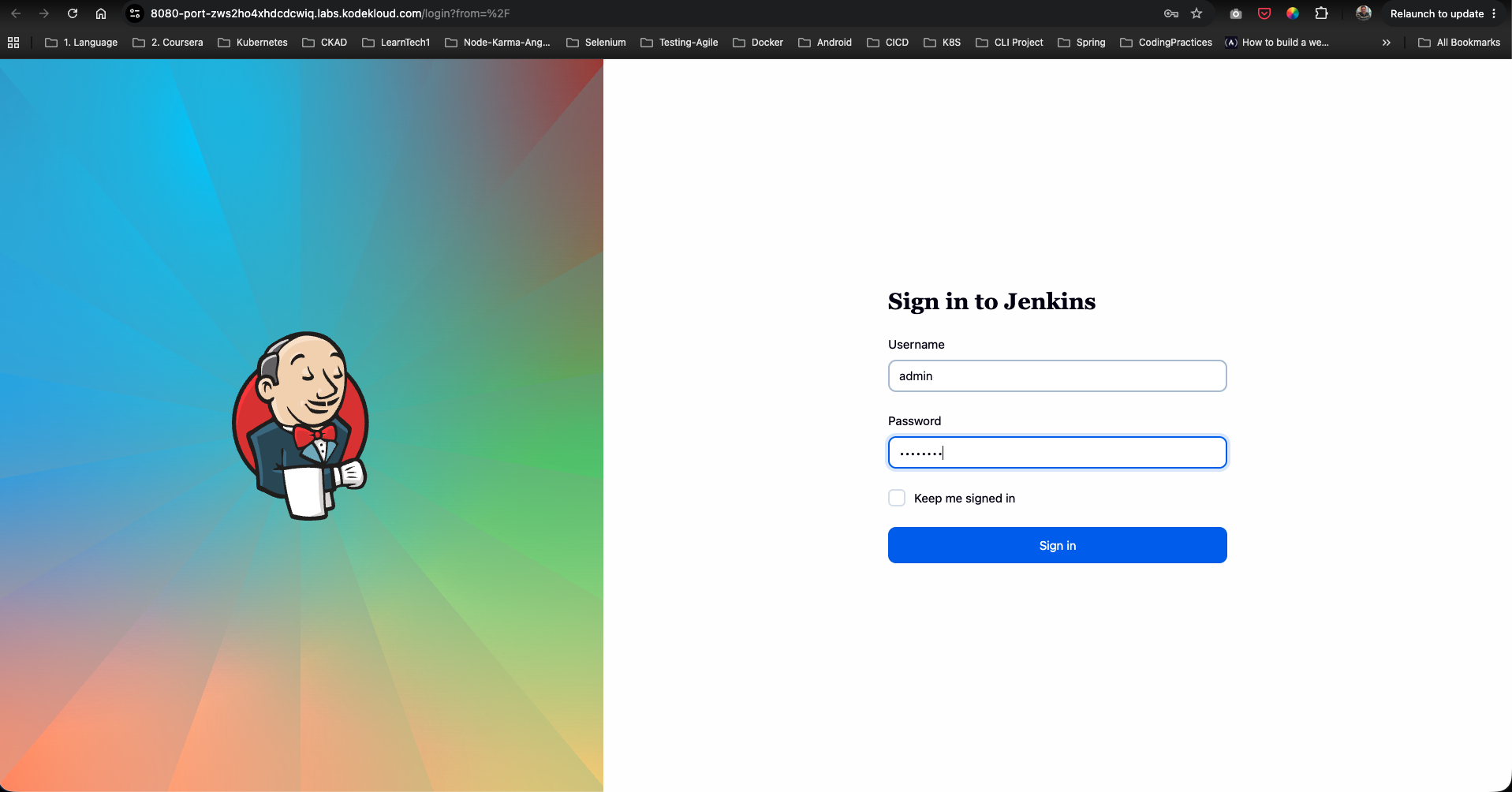
Step 1: Log in as Jenkins Administrator
- Open your browser and navigate to the Jenkins login page.
- Sign in as administrative user:
- Username:
admin - Password:
Adm!n321
- Username:
Step 2: Verify Existing Packages Job
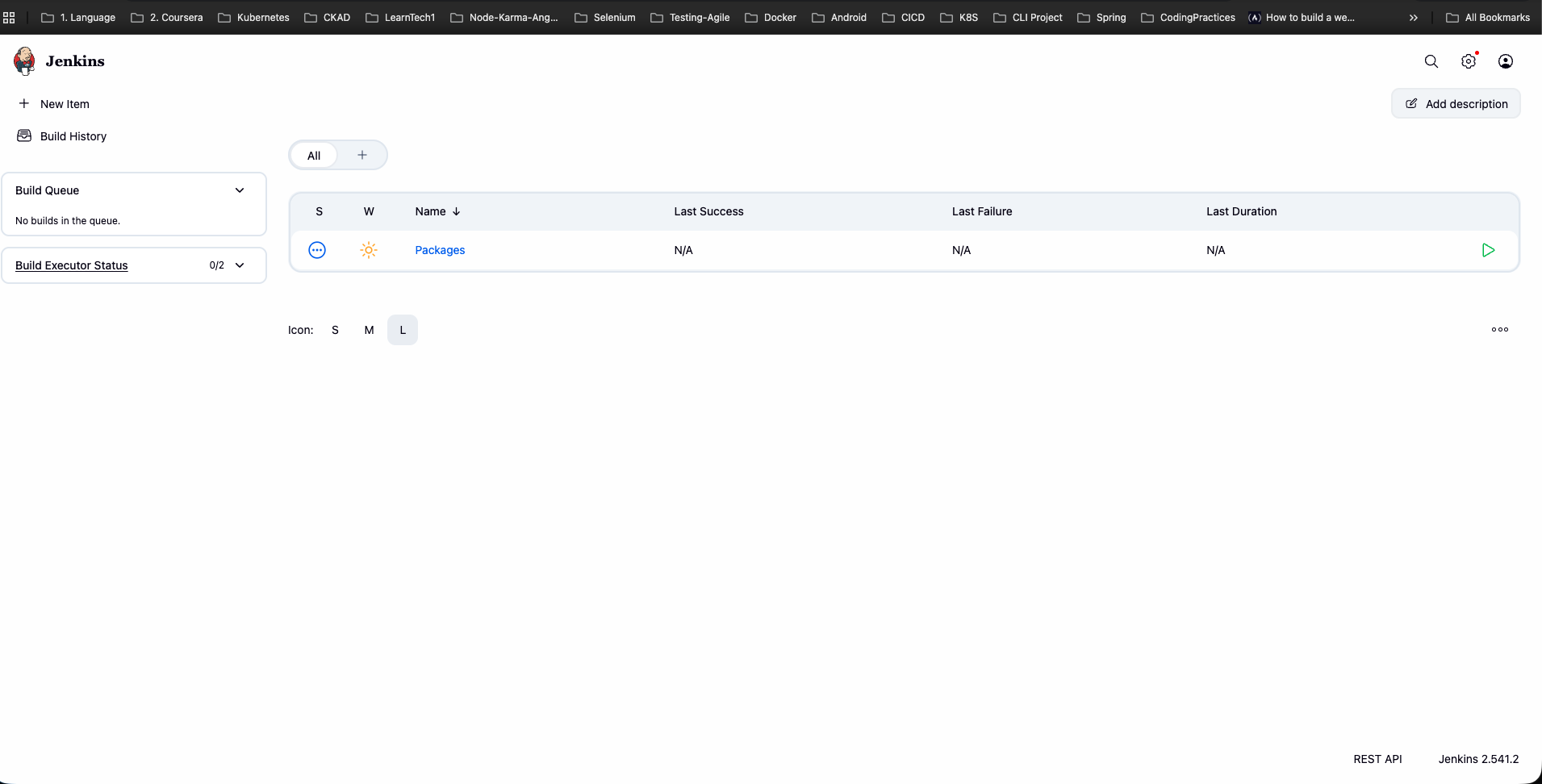
From the main dashboard, confirm that the Packages Freestyle job exists:
Step 3: Access Manage Jenkins Overview
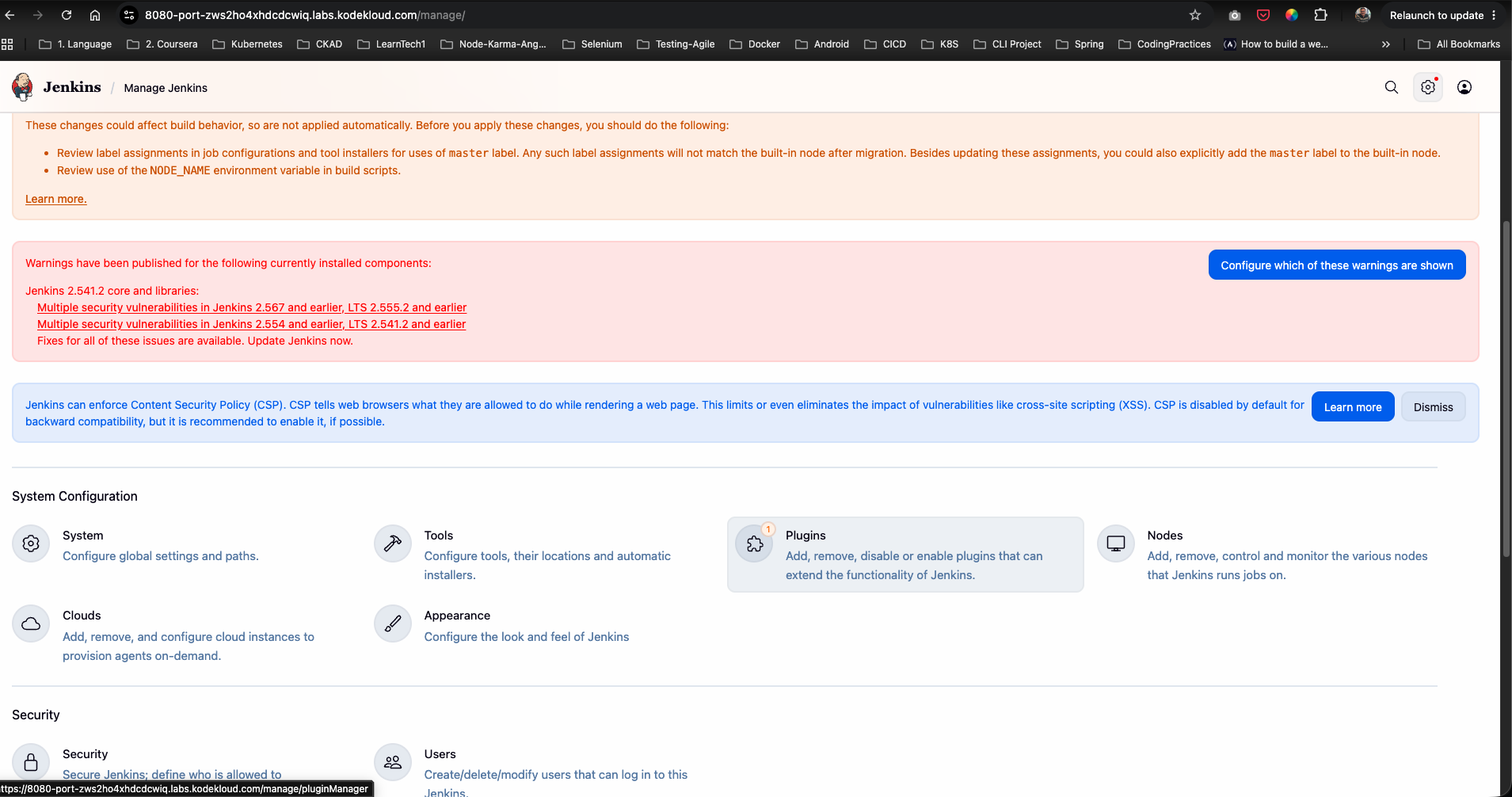
From the left menu, click Manage Jenkins:
Step 4: Install Matrix Authorization Strategy Plugin
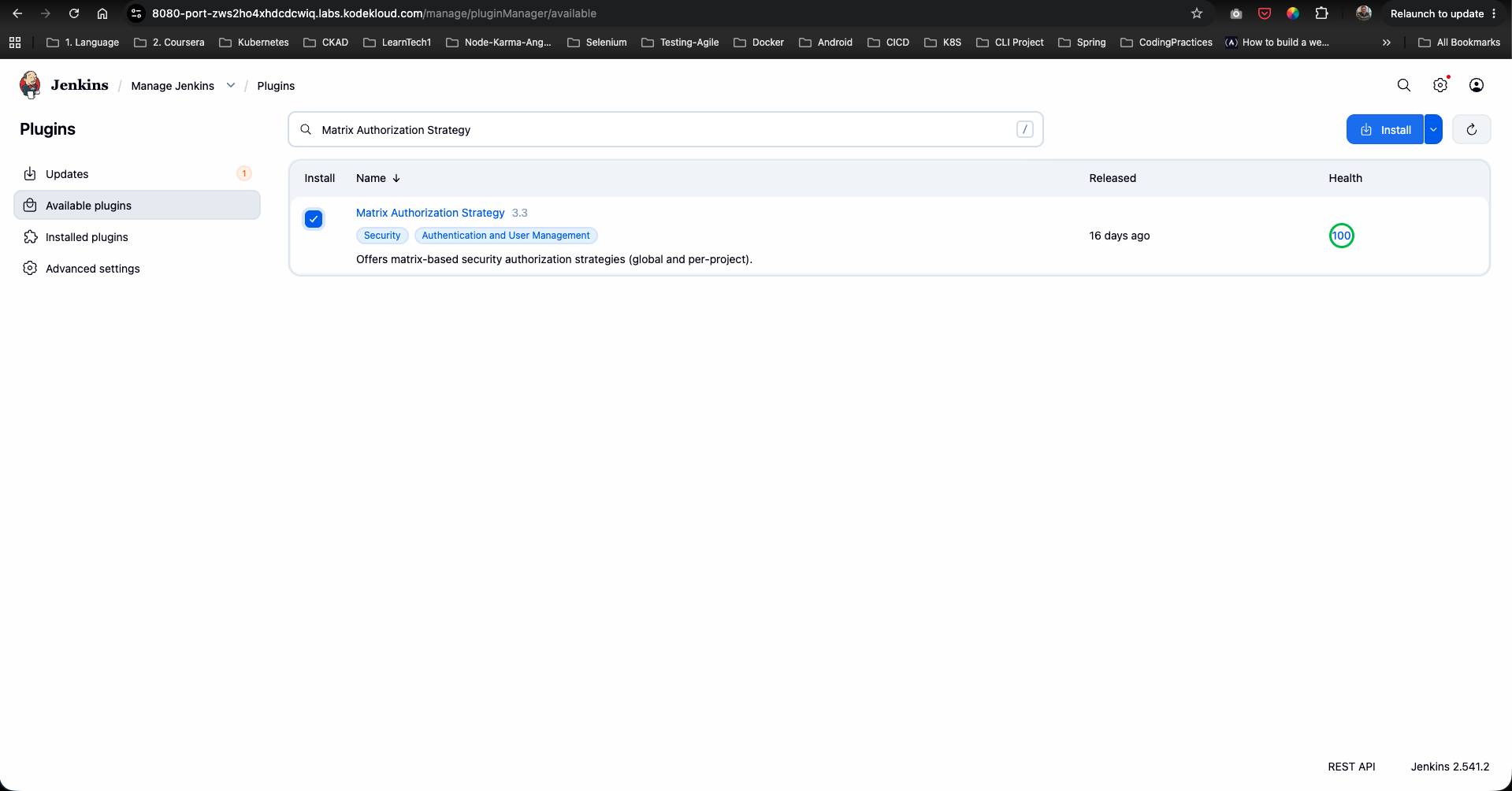
- Go to Plugins under System Configuration.
- Open the Available plugins tab and search for
Matrix Authorization Strategy. - Check Matrix Authorization Strategy and click Install.
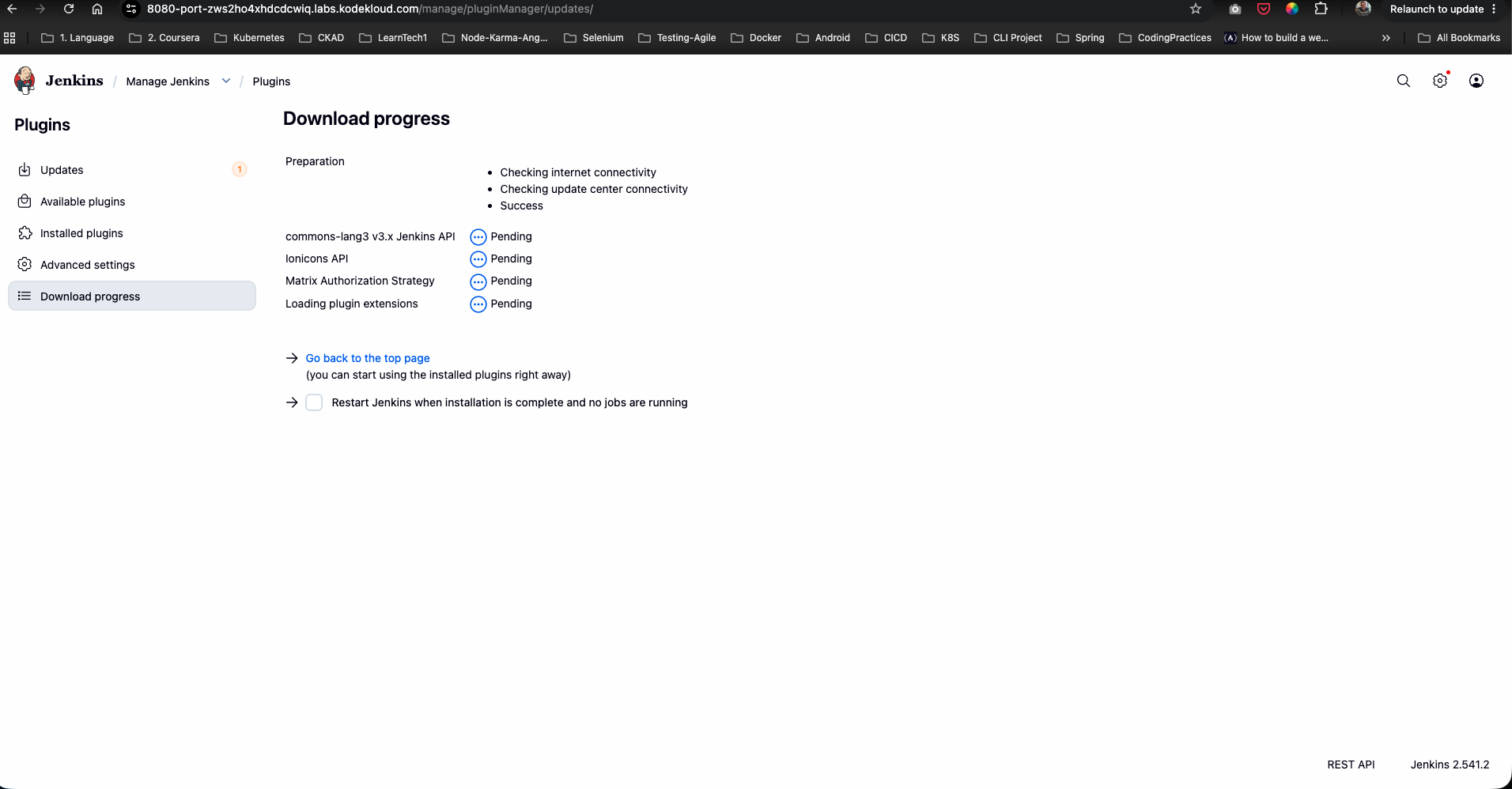
Step 5: Complete Download & Restart Jenkins
- On the download progress page, check Restart Jenkins when installation is complete and no jobs are running.
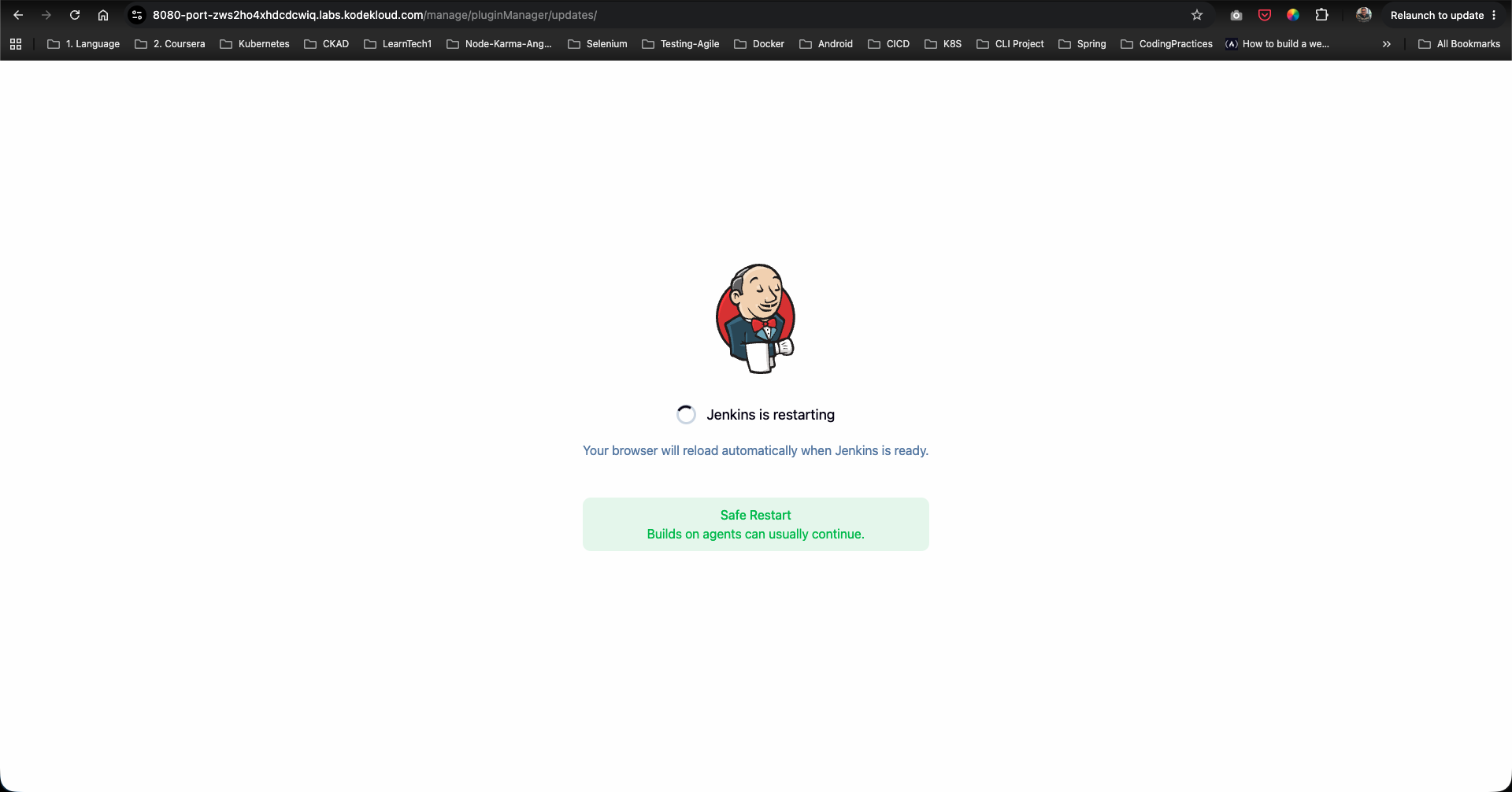
- Allow Jenkins to complete the plugin installation and restart.
Step 6: Access Global Security Settings
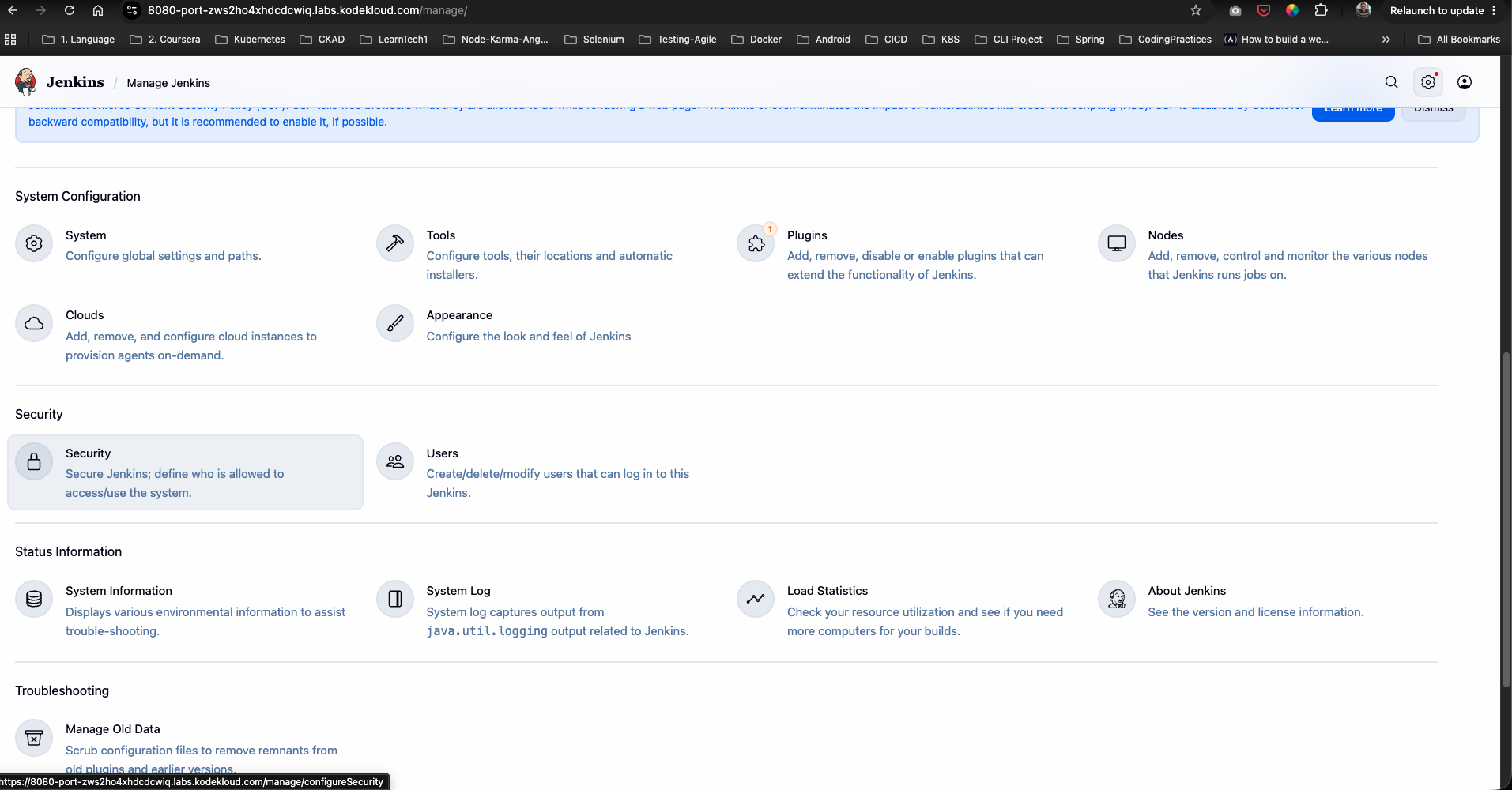
- Log back in as
admin. - Go to Manage Jenkins -> Security.
Step 7: Configure Global Authorization Strategy
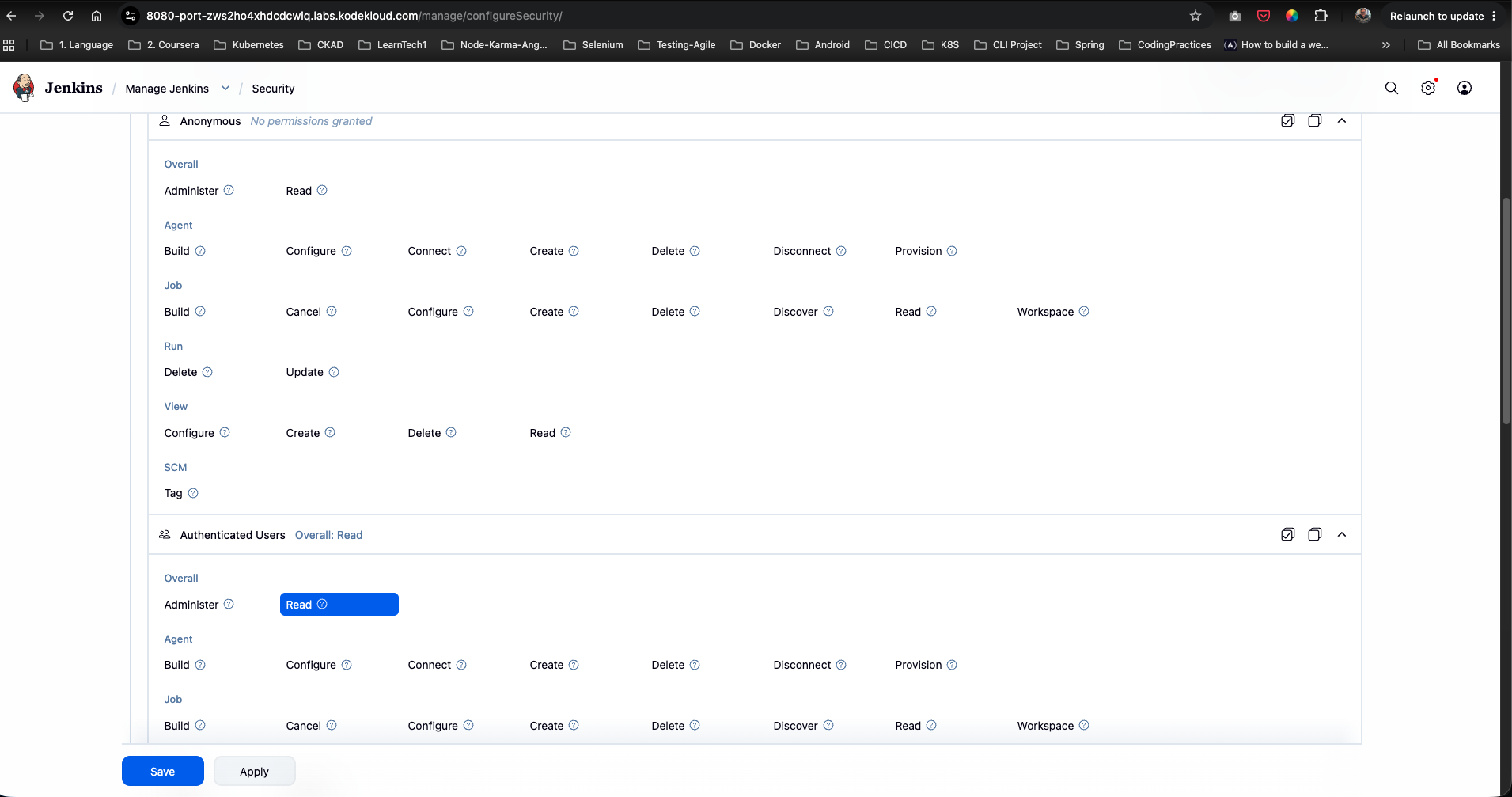
- Scroll down to the Authorization section.
- Select Project-based Matrix Authorization Strategy.
- Ensure Authenticated Users are granted Overall/Read permission so signed-in users can view the system.
- Click Save.
Step 8: Open Packages Job Configuration
- Return to the main dashboard and click on the
Packagesjob. - From the left menu, click Configure.
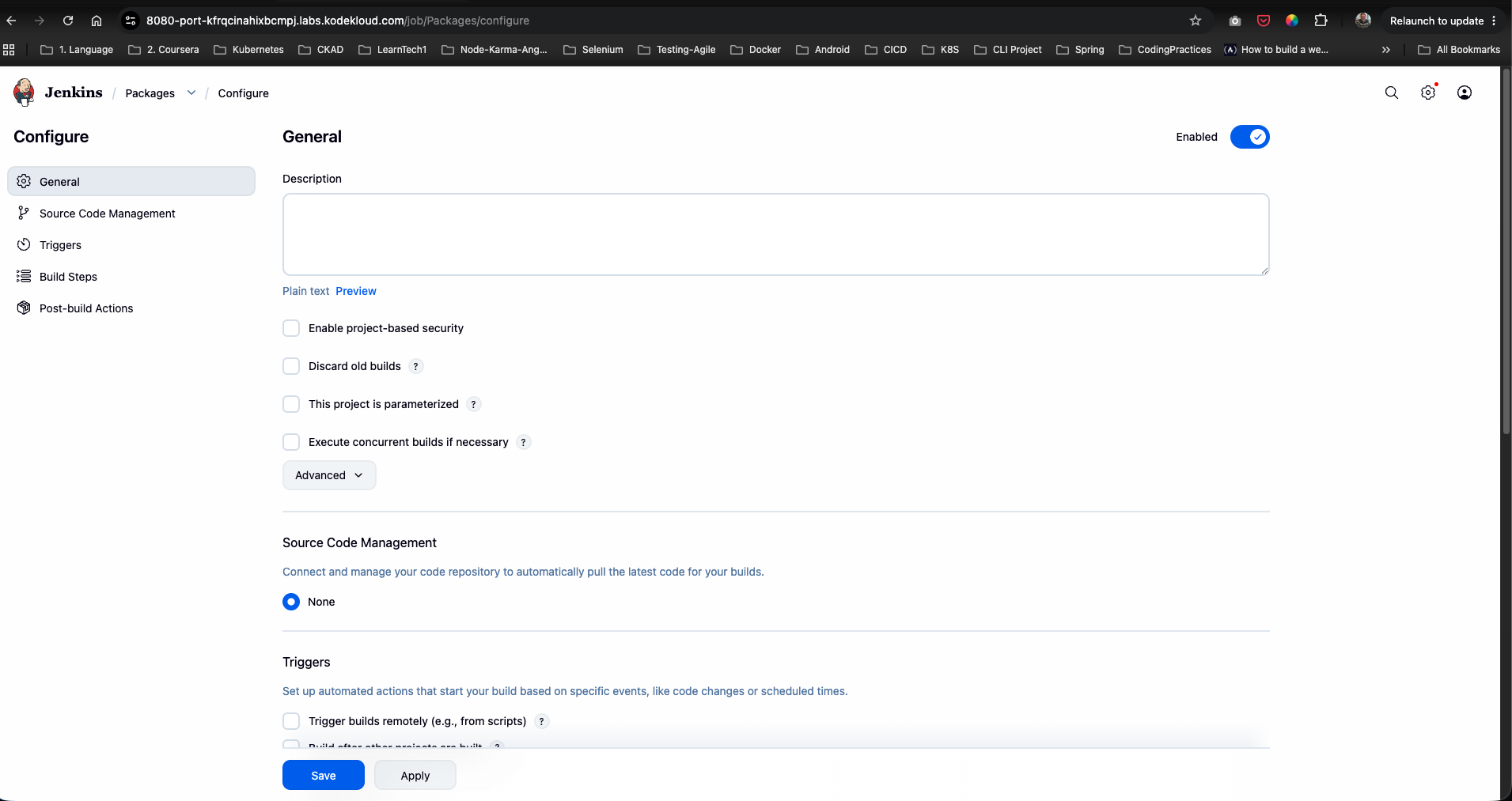
Step 9: Enable Project-Based Security & Select Inheritance
- Under the General section, check Enable project-based security.
- Under Inheritance Strategy, select:
Inherit permissions from parent ACL
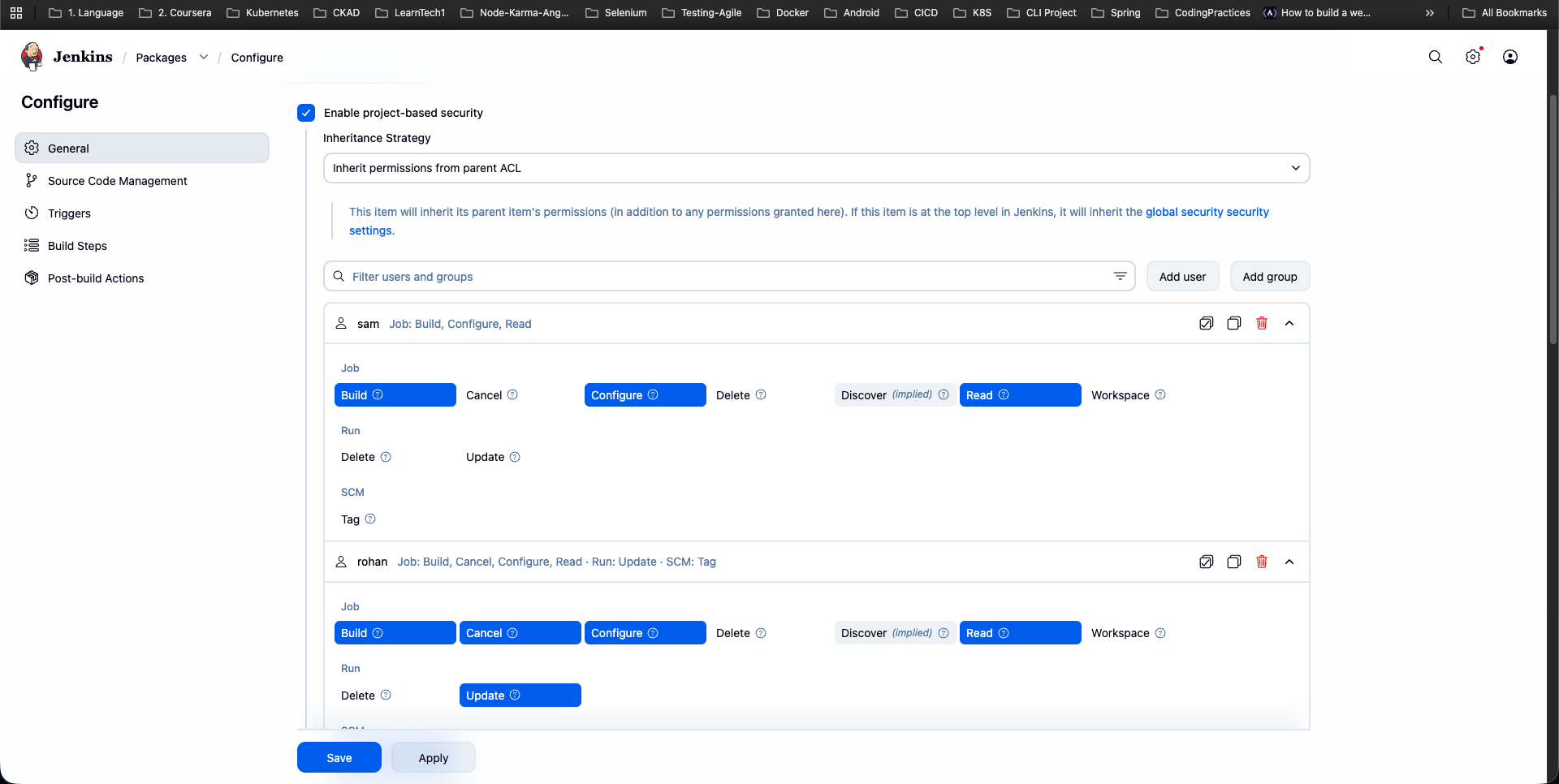
Step 10: Configure User sam Permissions
- Click Add user and enter
sam. - Expand the permissions matrix for
samand select:- Job:
Build,Configure,Read
- Job:
- Verify that the permission summary displays
sam Job: Build, Configure, Read.
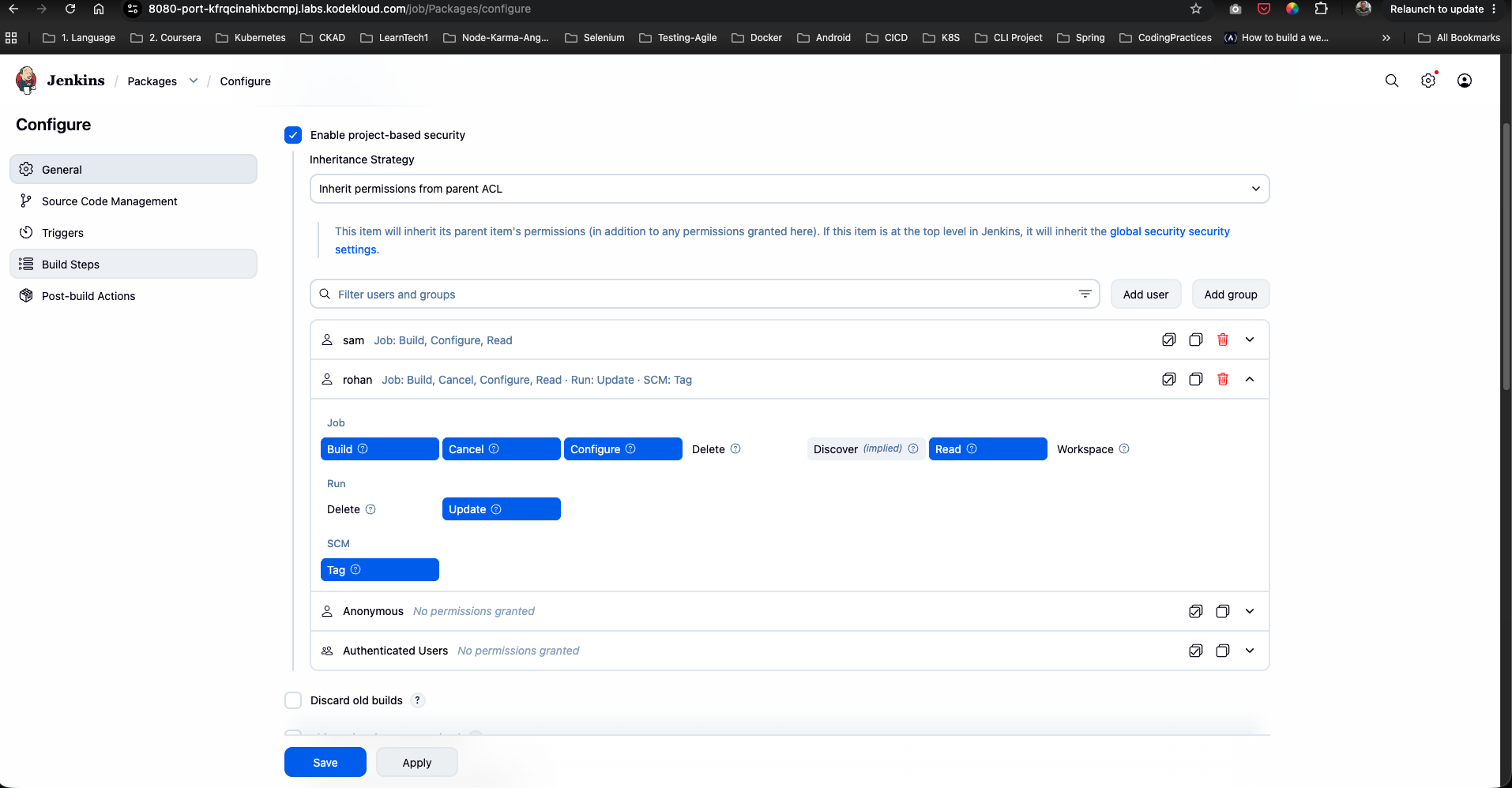
Step 11: Configure User rohan Permissions
- Click Add user and enter
rohan. - Expand the permissions matrix for
rohanand select:- Job:
Build,Cancel,Configure,Read - Run:
Update - SCM:
Tag
- Job:
- Verify that the summary displays
rohan Job: Build, Cancel, Configure, Read · Run: Update · SCM: Tag. - Click Save.
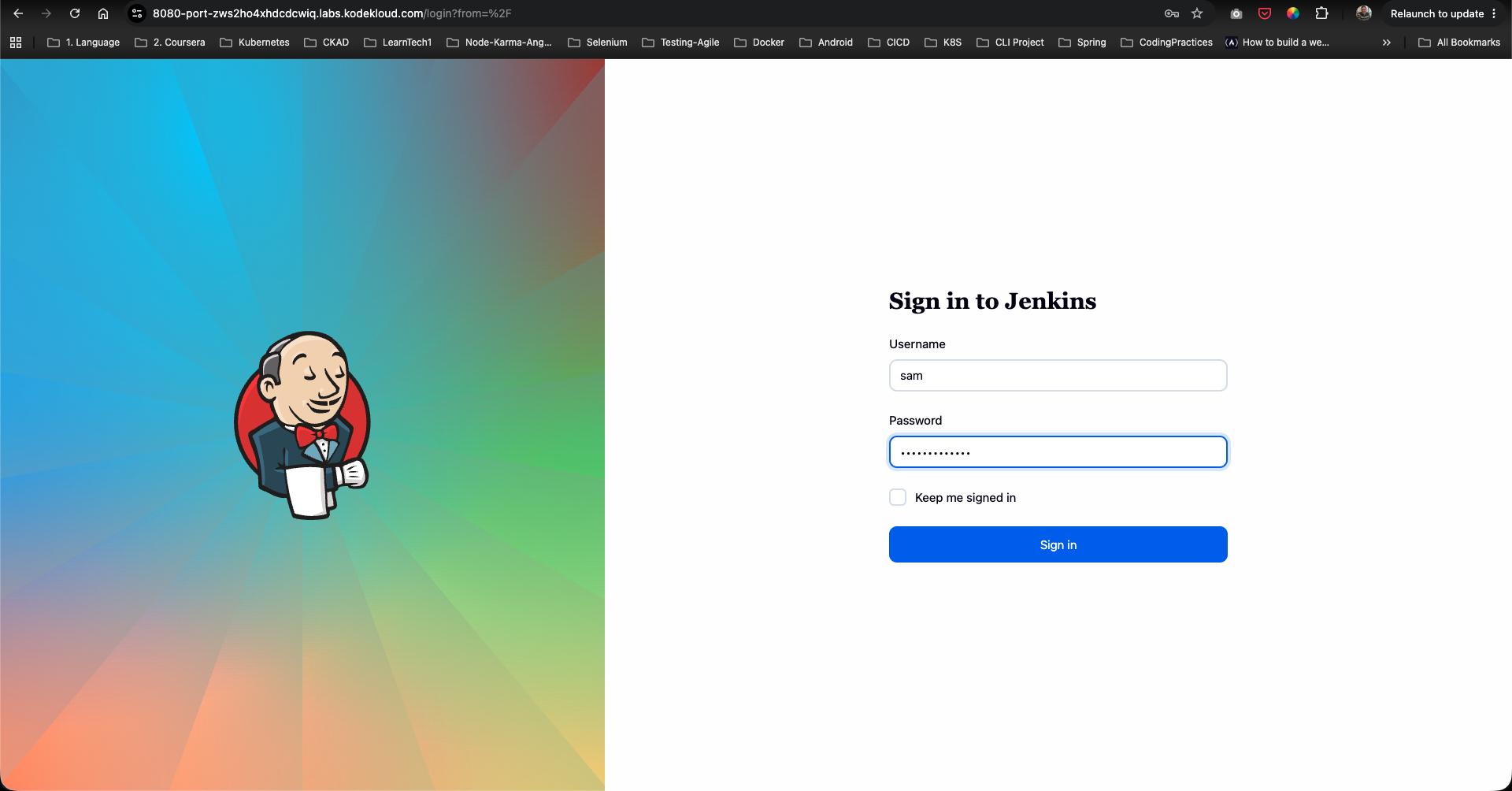
Step 12: Verify User sam Login & Access
- Log out of
adminand sign in assam:- Username:
sam - Password:
sam@pass12345
- Username:
- Navigate to the
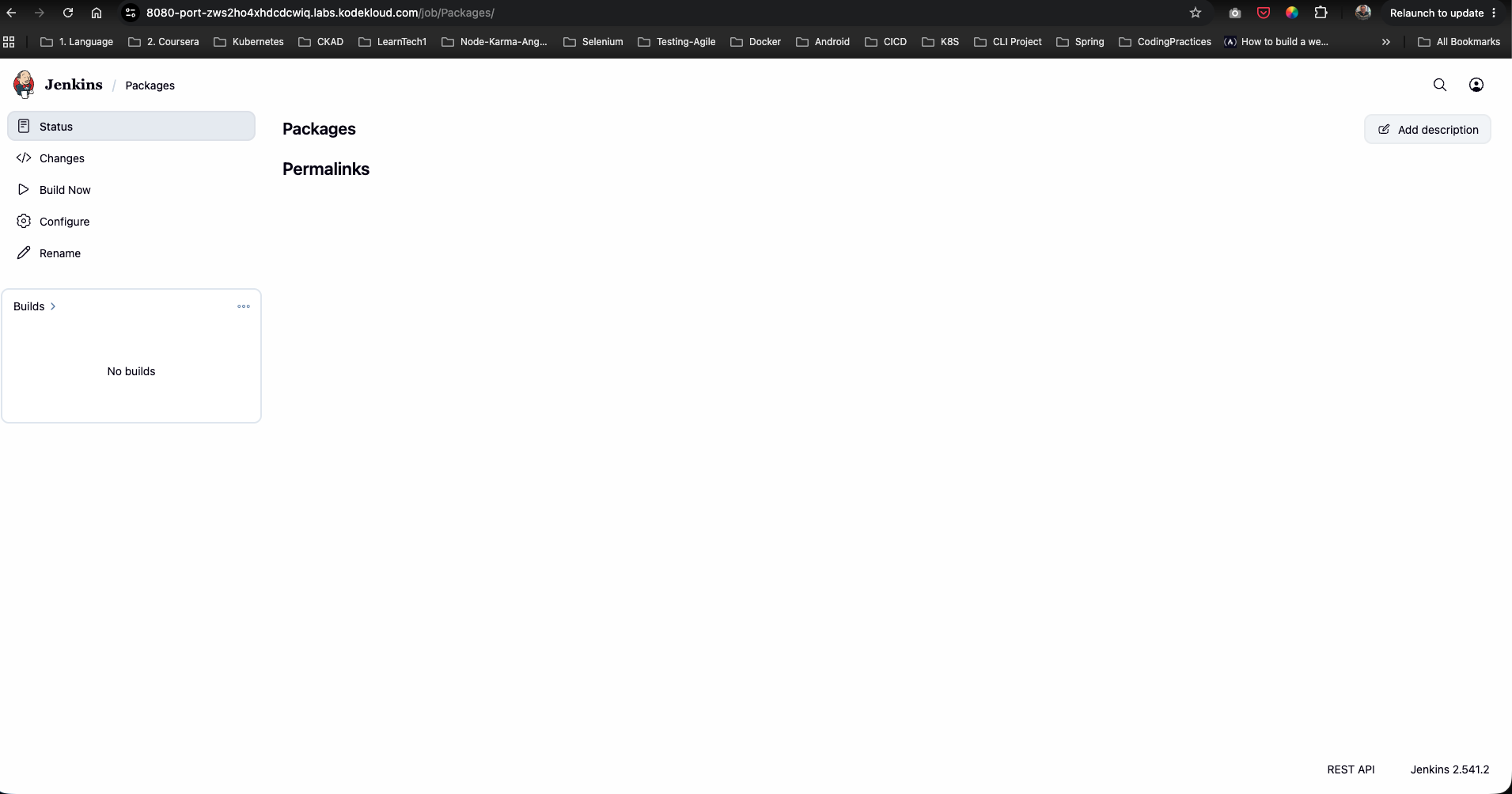
Packagesjob page. Confirm thatsamcan see Build Now, Configure, and job details according to his assigned permissions:
Step 13: Verify User rohan Login & Access
- Log out of
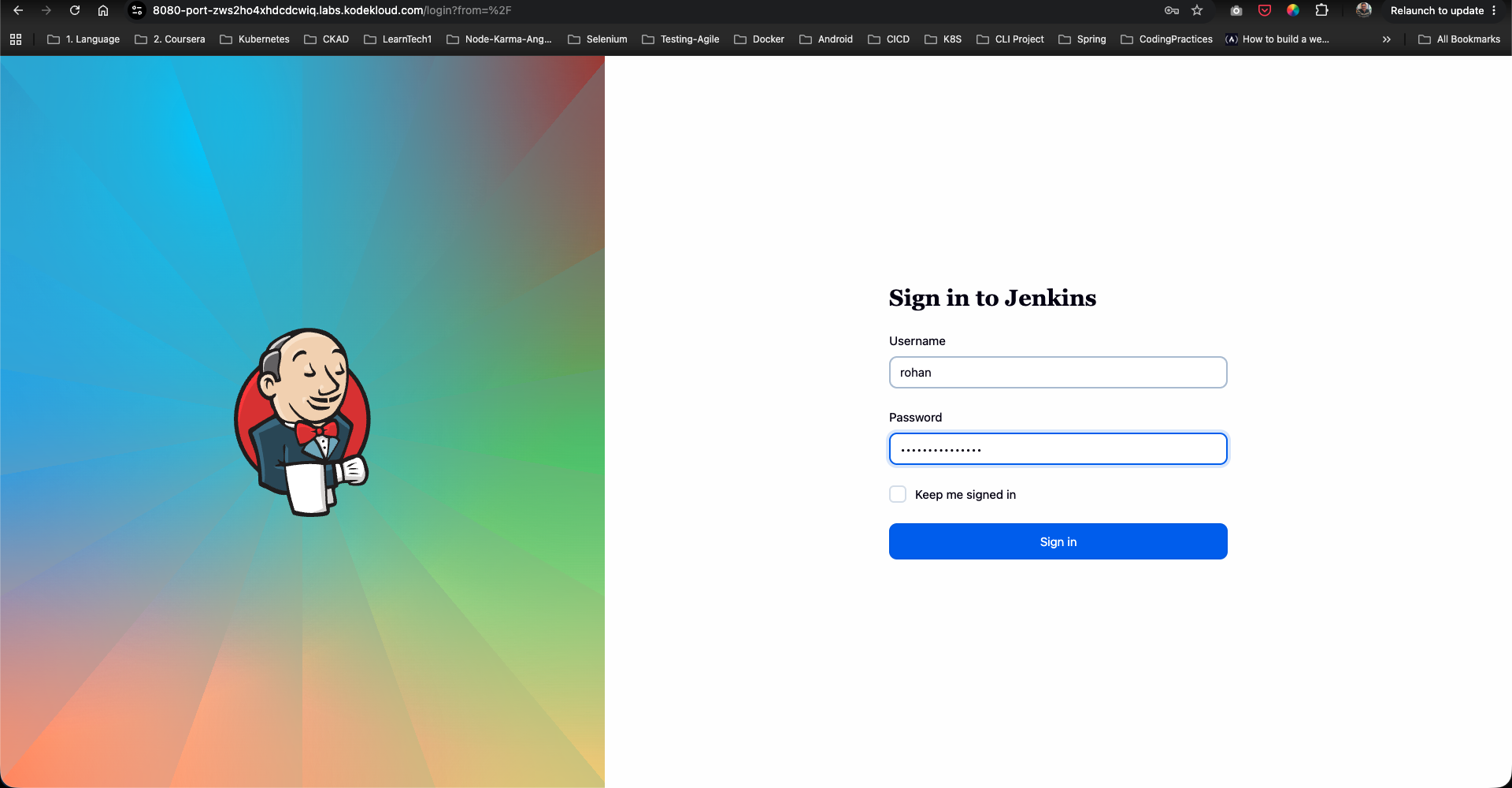
samand sign in asrohan:- Username:
rohan - Password:
rohan@pass12345
- Username:
- Navigate to the
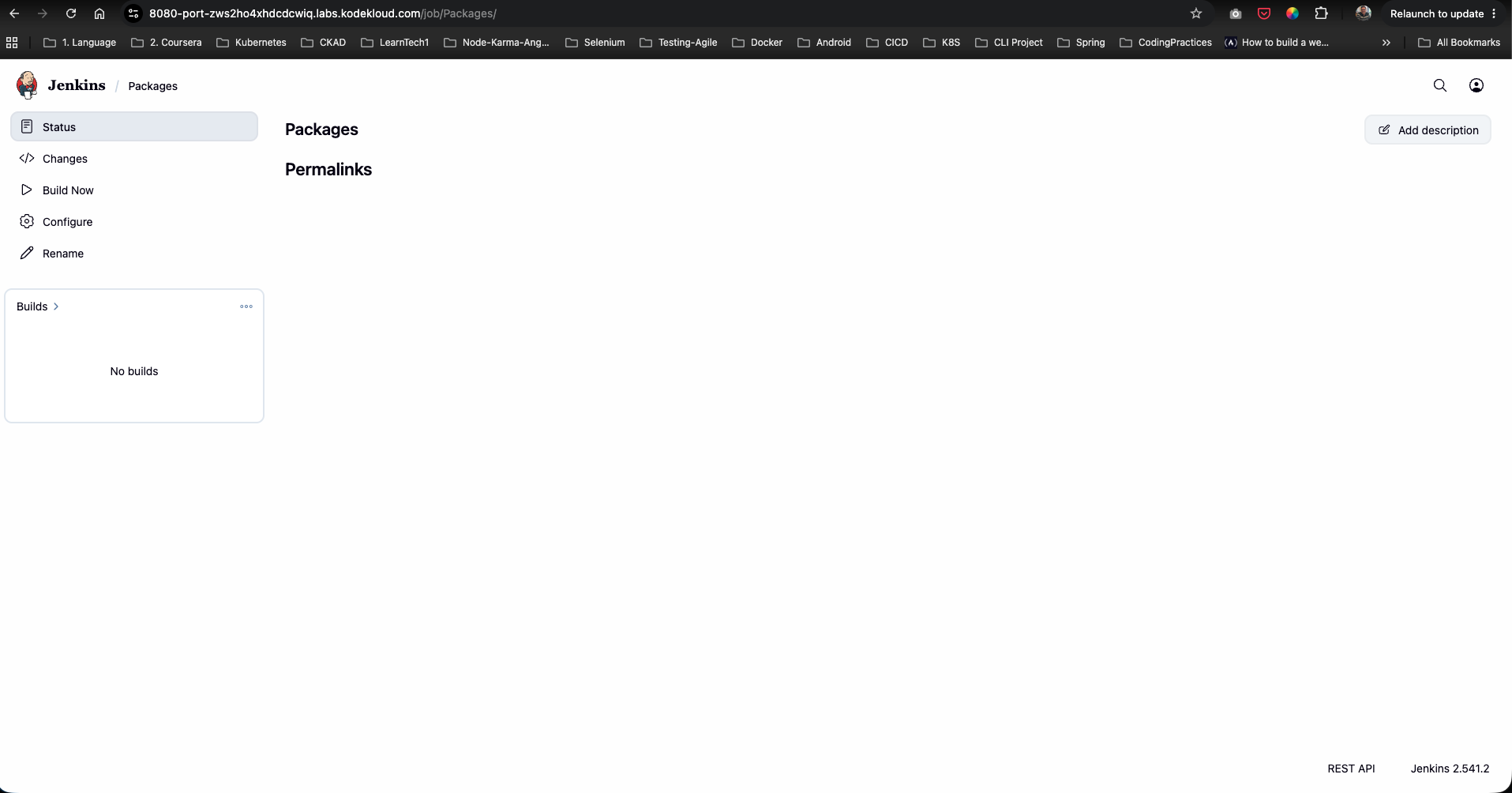
Packagesjob page. Confirm thatrohanhas full access to Build, Cancel, Configure, Update, and Tag actions:
The job-level authorization rules for Packages have been successfully configured and verified!